
1. Go to lsua.bncollege.com and select COURSE MATERIALS & TEXTBOOKS

2. Select Find Course Materials

3. Enter the requested Course Information and Press RETRIEVE MATERIALS

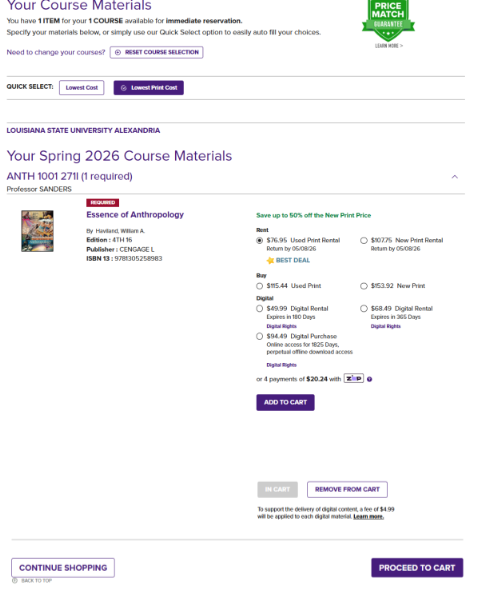
4. The current adopted textbook(s) will display. Click on the material you wish to purchase to add to the cart. Then select ADD TO CART.
If you need to add more mateirals, continue shopping. Once all items have been selected you may click PROCEED TO CART.
Take NOTE: There are two labels: REQUIRED and RECOMMENDED.
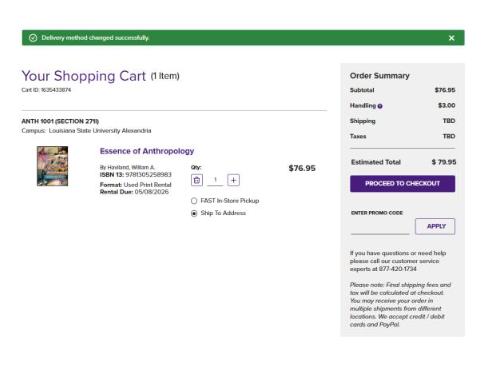
5. The items will now be added to the shopping cart. If you are ready to comlpete your purchase, select PROCEED TO CHECKOUT.
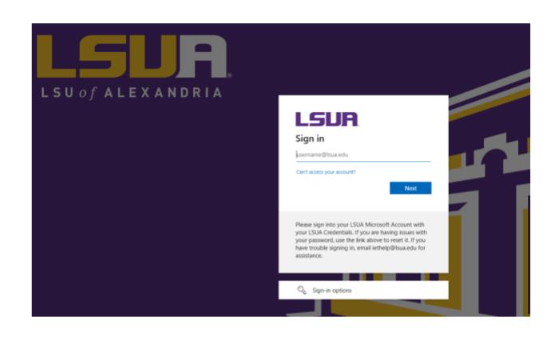
6. You will be prompted to sign in. USE YOUR LSUA ACCOUNT.
 7. Enter contact information and select continue.
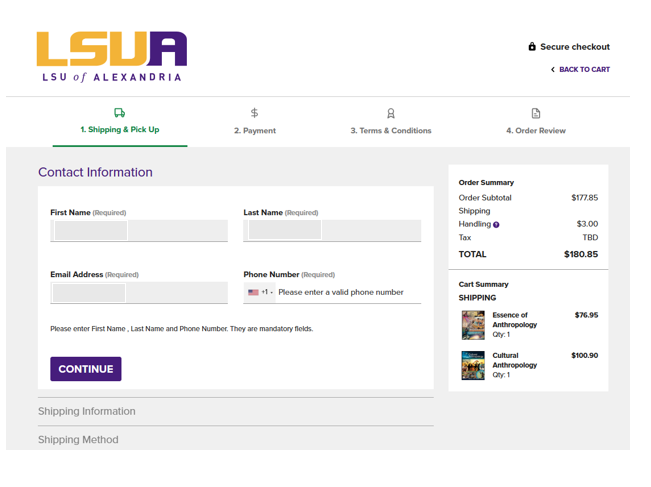
8. Enter shipping and payment information to finalize the transaction.