Access the Login Page
Navigate to the Smartsheet University homepage.
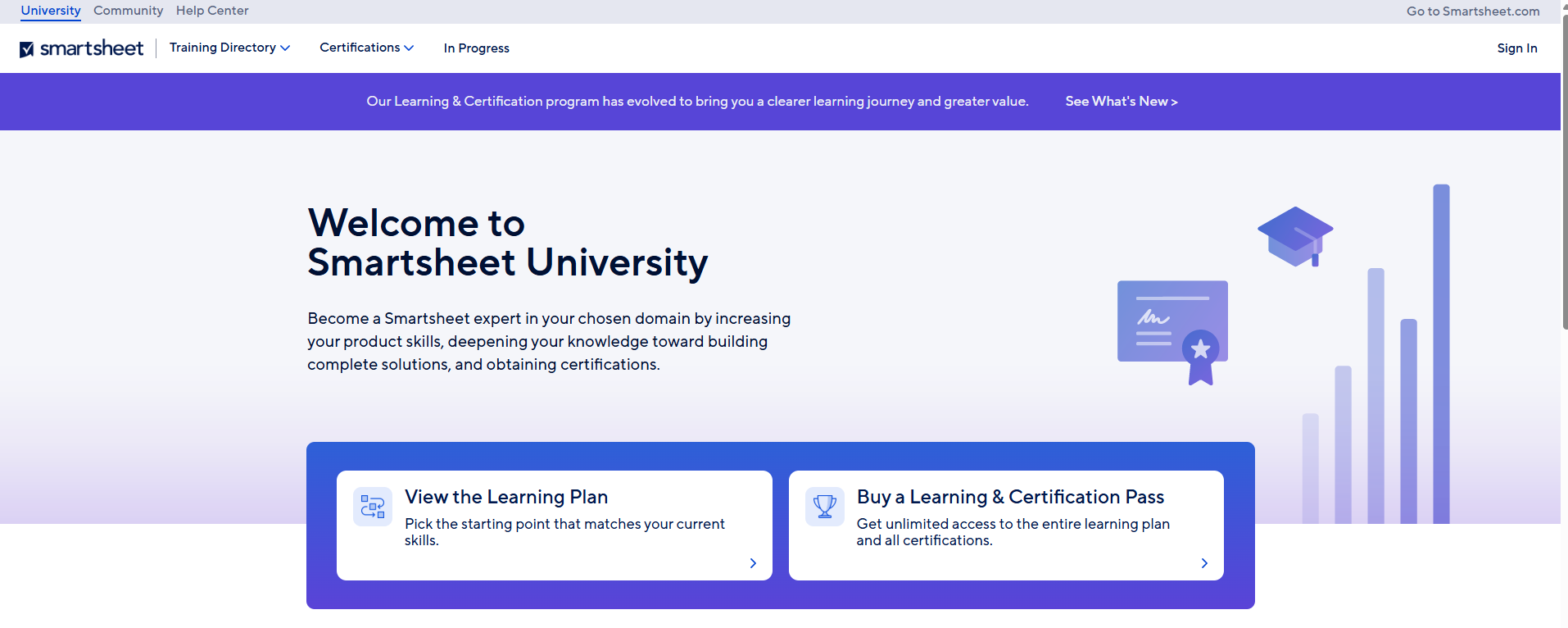
Click the Login button located in the top right corner of the screen.
Use your LSUA Credentials to Sign In.

Modified on: Thu, May 14, 2026 at 2:51 PM
Navigate to the Smartsheet University homepage.
Click the Login button located in the top right corner of the screen.
Use your LSUA Credentials to Sign In.
Did you find it helpful? Yes No
Send feedback